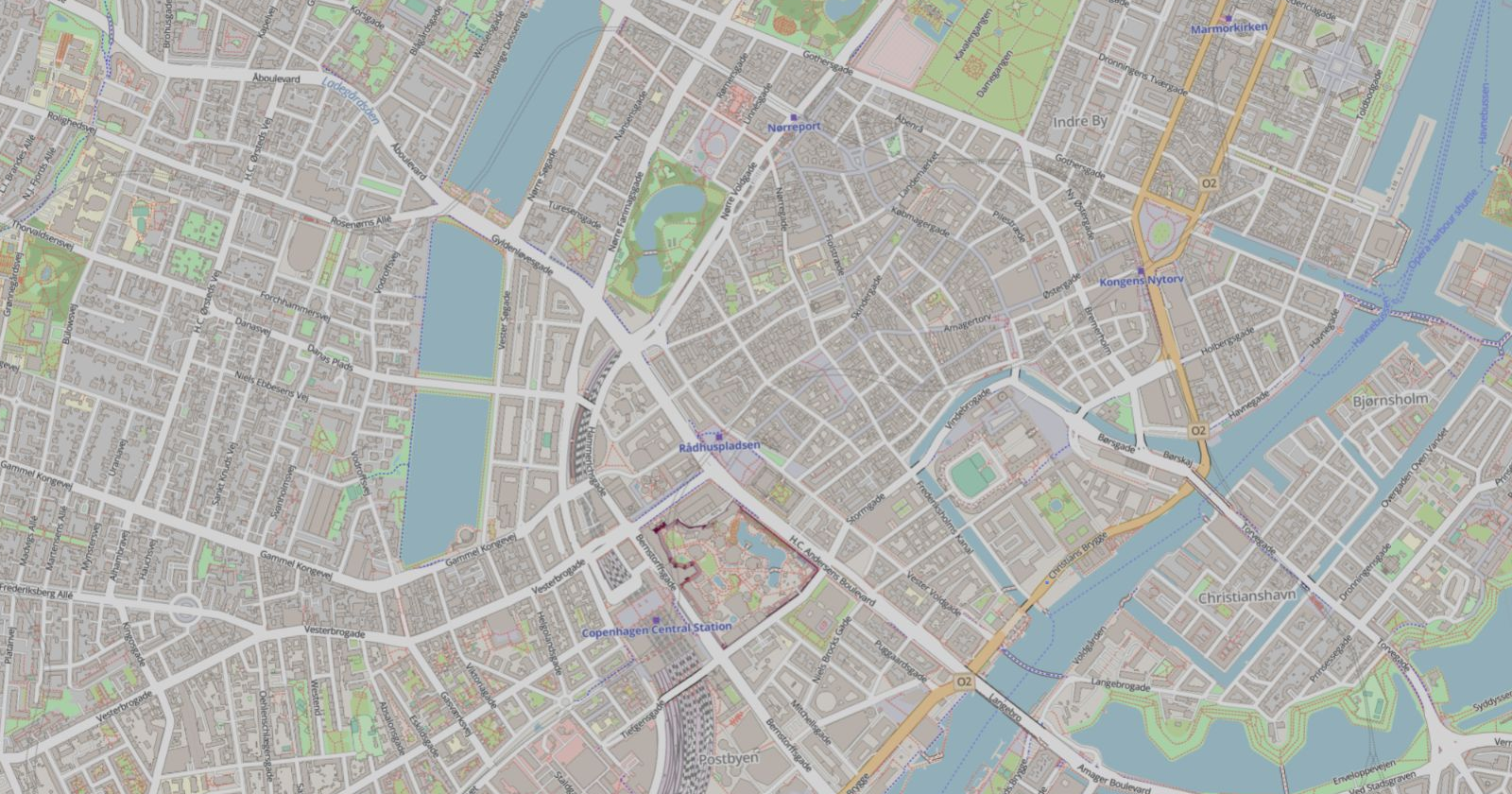
Background maps
Find an address
Find the property and draw directly on the background map.
Use your own files
Import a PDF, a DXF or an image as your background.
Add map layers with WMS
Add map layers via WMS as a basis for your drawing.
CAD developed in Denmark, in your browser
From the first line
to the finished working drawing.
Find the property and draw directly on the background map.
Import a PDF, a DXF or an image as your background.
Add map layers via WMS as a basis for your drawing.

Ryan, surveyor, M.J. Eriksson A/S
Ryan has used VCAD in his day-to-day work, and his verdict is clear: it was easy and quick to get started with. No installation, no waiting, just log in through the browser and get going. Day to day he uses VCAD for quality assurance and data processing, and it has become a fixed part of his workflow.

Peder, mapping and surveying technician and trained drainage contractor, HLM Landmåling A/S
"VCAD is easy to get into and fits my working day perfectly, where things often move fast. I have neither the time nor the patience to wait for heavy CAD programs. With VCAD I am up and running right away."
You can get a 7-day trial through one of our resellers. Contact us at info@vcad.dk, and we’ll help you find a reseller.
VCAD supports a wide range of that you can easily import by dragging your files onto the drawing canvas.
Basic includes 2D and 3D drawing, maps, palettes, import, export and PDF plots.
Pro includes everything in Basic, plus surfaces, volume calculation, profiles and cross-sections.
You can start with Basic and upgrade to Pro later, keeping the same drawings.
VCAD runs directly in the browser on a standard PC, with no installation required. We recommend Brave or Microsoft Edge 64-bit.
VCAD automatically saves your changes locally in the browser you are using, including when the internet connection drops. The Save button downloads a DXF file with the drawing and its settings, which you can open in VCAD on another PC. Cloud storage is an optional extra.
We sell VCAD by subscription through local resellers. Contact us and we will help you find a reseller. You can add support through your reseller.