
Import your polyface mesh
VCAD automatically converts polyface meshes to polyline blocks on import.
Prepare surfaces for machine control and calculate what has been excavated. We have brought terrain models, volume calculation and documentation together in VCAD Pro.
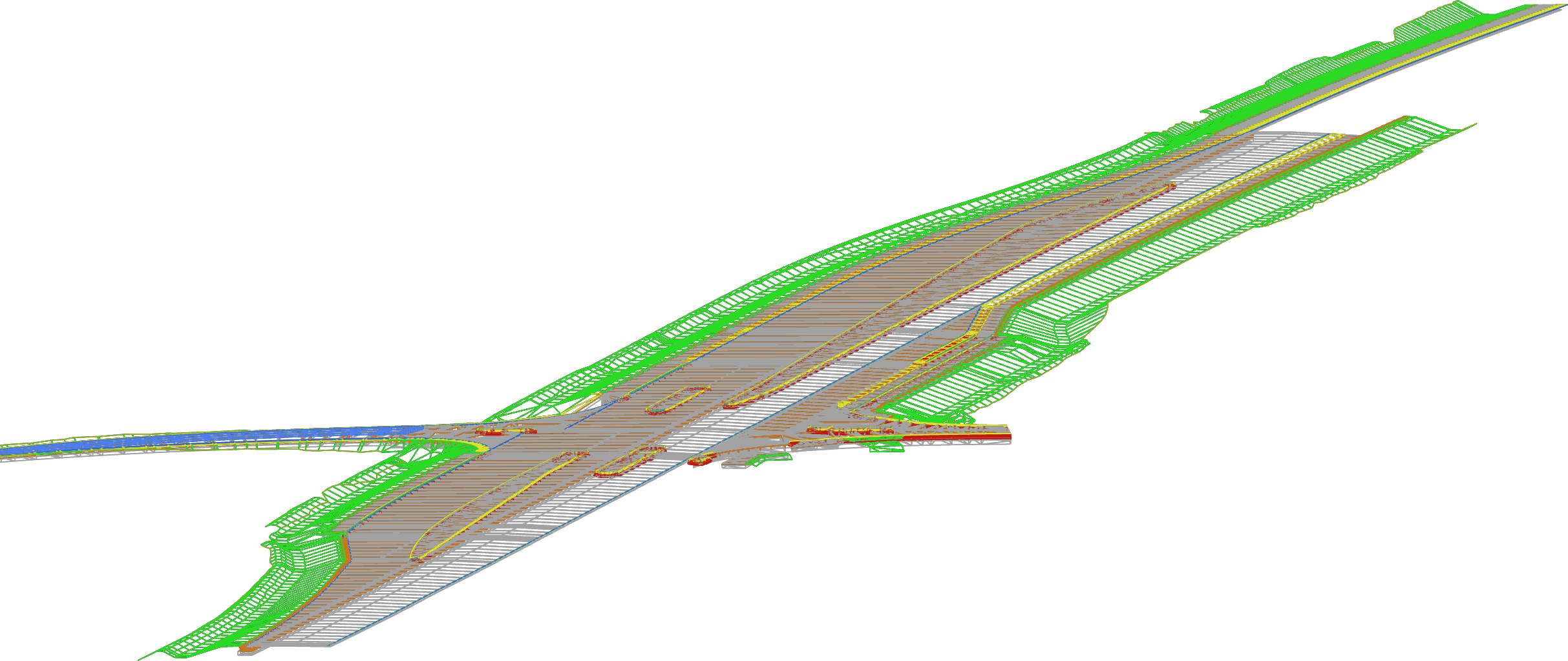
VCAD automatically converts polyface meshes to polyline blocks on import.
Create a surface from the imported data and trim it to the area you need.
Export the surface as LandXML for the next stage of machine-control work.
When part of an excavation is dug deeper, that additional work needs documenting too. Calculate both the original excavation and the extra quantities in VCAD Pro.
Calculate the volume of soil that has been excavated.
Calculate the additional excavation when an area within the first excavation is dug deeper.
Put the documentation for the excavation and the extra quantities into a PDF for others on the project.
An example showing a terrain model, three cross-sections and the total excavation in cubic metres.
 Open the PDF example
VCAD imports formats including LandXML, DWG, DXF and point files, as well as polyface meshes directly.
VCAD Pro includes surface modelling and volume calculation alongside everything in Basic.
Examine the terrain with cross-sections and profiles, and use the application’s import and export options in your project work.
Surface modelling, volume calculation, cross-sections and profiles are included in VCAD Pro, along with everything in Basic.
For everyday drawing, data processing and documentation.
For working with terrain, surfaces and quantities.
We sell VCAD by subscription through local resellers. You can start with Basic and upgrade to Pro later, keeping the same drawings.
Volume calculation is part of VCAD Pro. Pro also includes surface modelling, cross-sections and profiles, plus everything in Basic.
Yes. VCAD can both import and export LandXML.
Basic and Pro are editions of VCAD. Pro extends the tools with surface modelling, volume calculation, cross-sections and profiles.
You can get a 7-day trial through one of our resellers. Contact us at info@vcad.dk, and we’ll help you find a reseller.
VCAD supports a wide range of that you can easily import by dragging your files onto the drawing canvas.
Basic includes 2D and 3D drawing, maps, palettes, import, export and PDF plots.
Pro includes everything in Basic, plus surfaces, volume calculation, profiles and cross-sections.
You can start with Basic and upgrade to Pro later, keeping the same drawings.
VCAD runs directly in the browser on a standard PC, with no installation required. We recommend Brave or Microsoft Edge 64-bit.
VCAD automatically saves your changes locally in the browser you are using, including when the internet connection drops. The Save button downloads a DXF file with the drawing and its settings, which you can open in VCAD on another PC. Cloud storage is an optional extra.
We sell VCAD by subscription through local resellers. Contact us and we will help you find a reseller. You can add support through your reseller.